

drigaTerminal UI
Keyboard first. Flow, Projects and Machines, with Chat one key away. Flow
alpha · macOS, Linux · Windows experimental
Every Claude Code, Codex, Copilot and Gemini session across your projects and machines, live. Answer a waiting agent from the terminal or the Driga app.
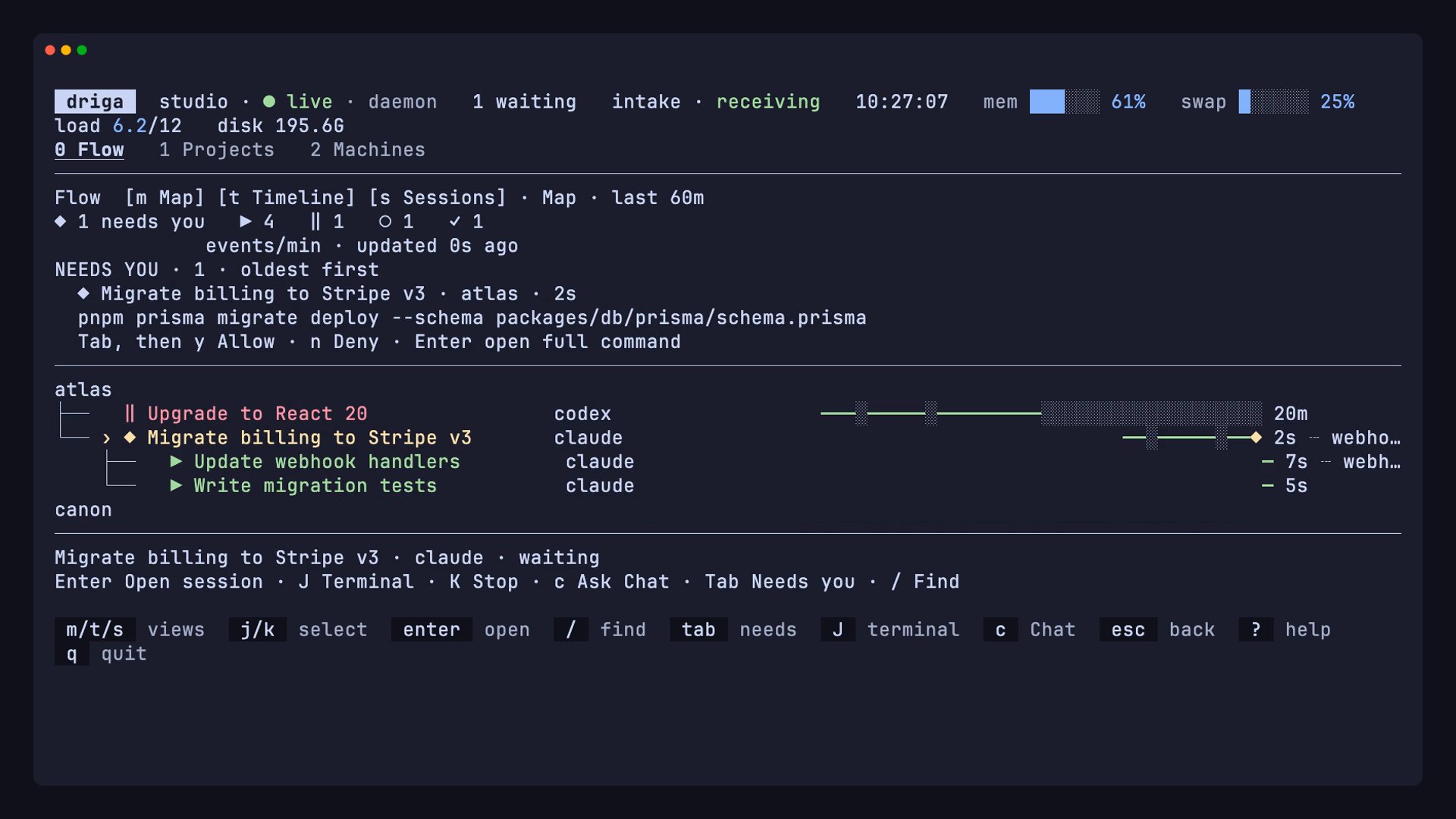
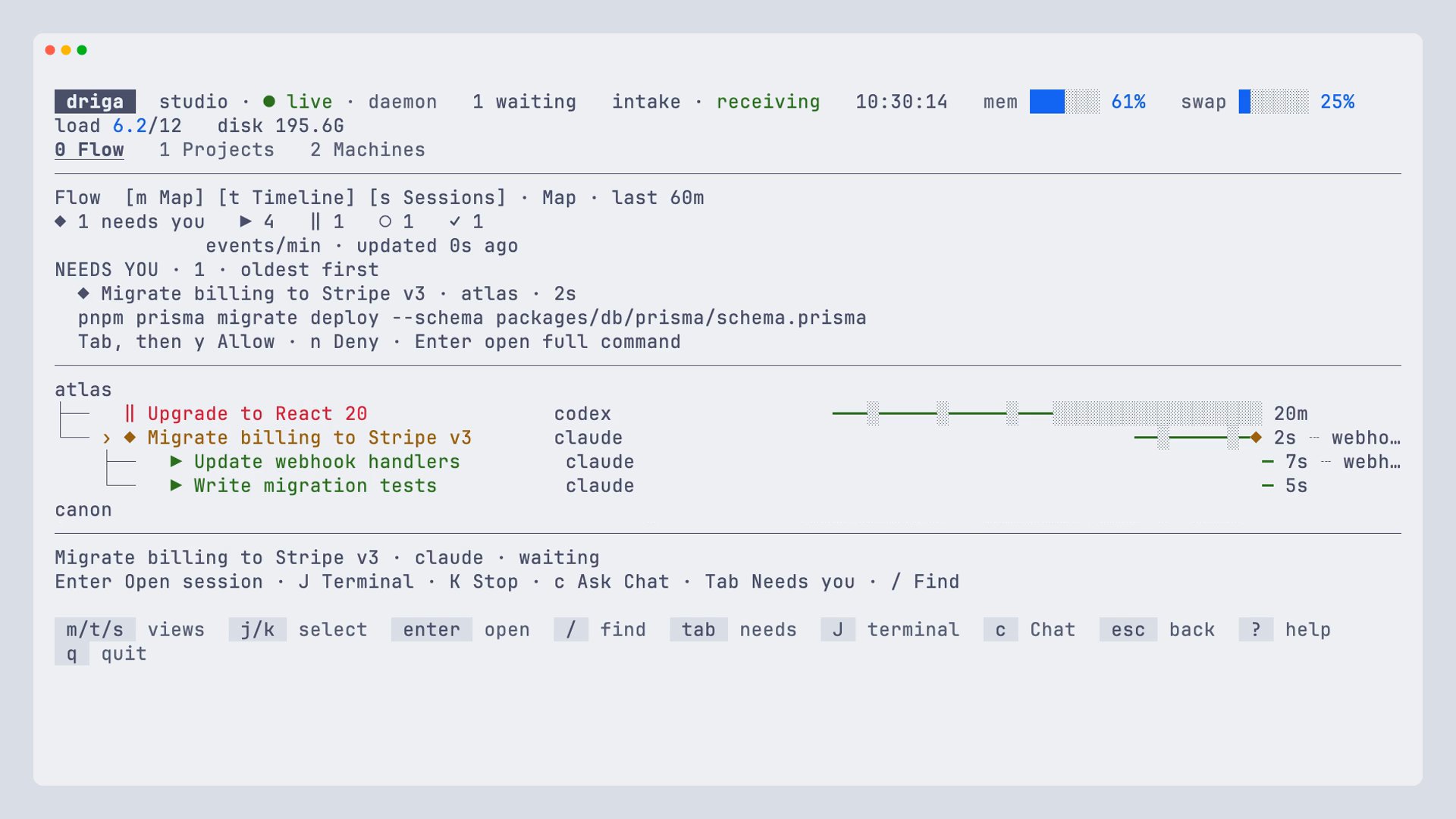
brew install --cask labstack/tap/drigaA screenshot of driga in a terminal on demo sessions. Its Flow view shows one session that needs you, Migrate billing to Stripe v3, asking permission to run pnpm prisma migrate deploy, with y to allow and n to deny; below it, the atlas project's sessions, with two workers running under the waiting one.
Works withClaude CodeCodexGitHub Copilot CLIGemini CLIAntigravity (process level)
▣ MACHINES
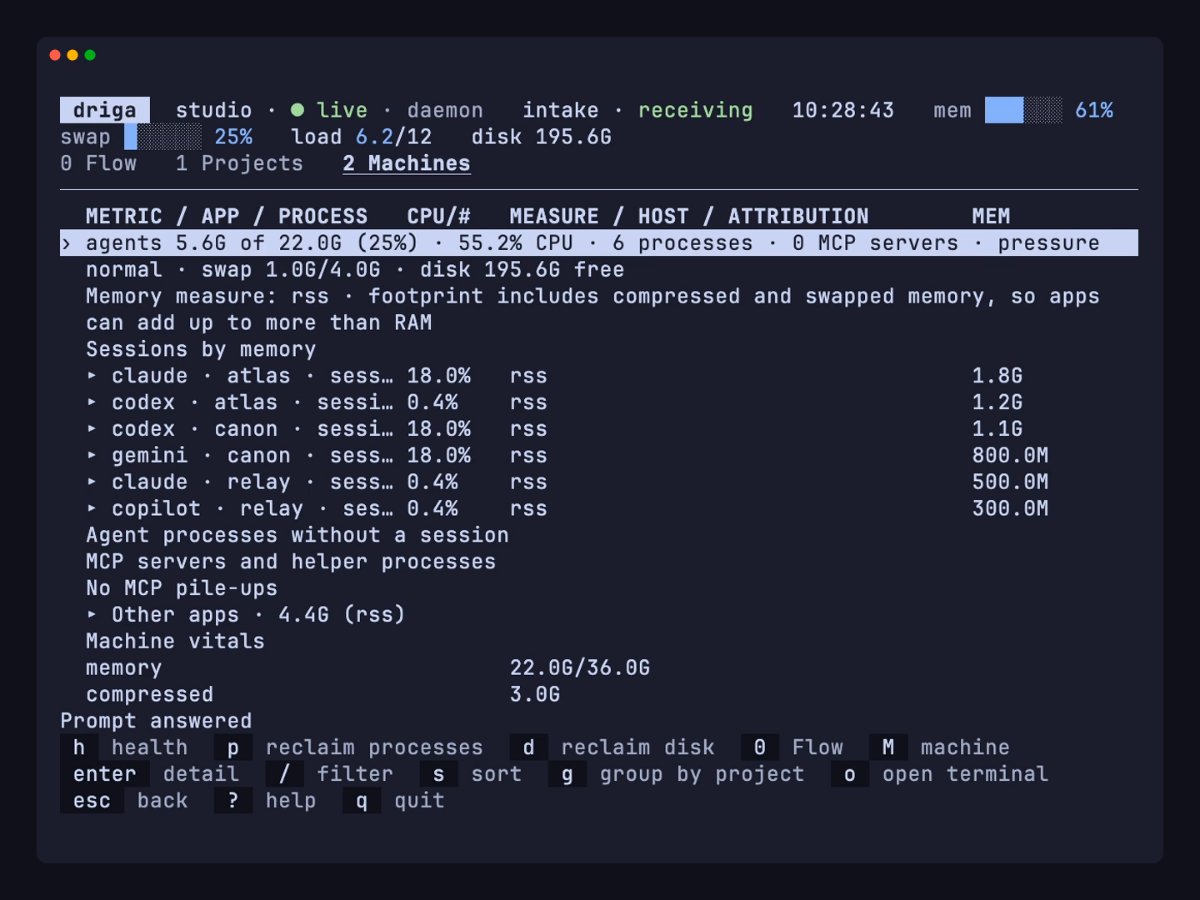
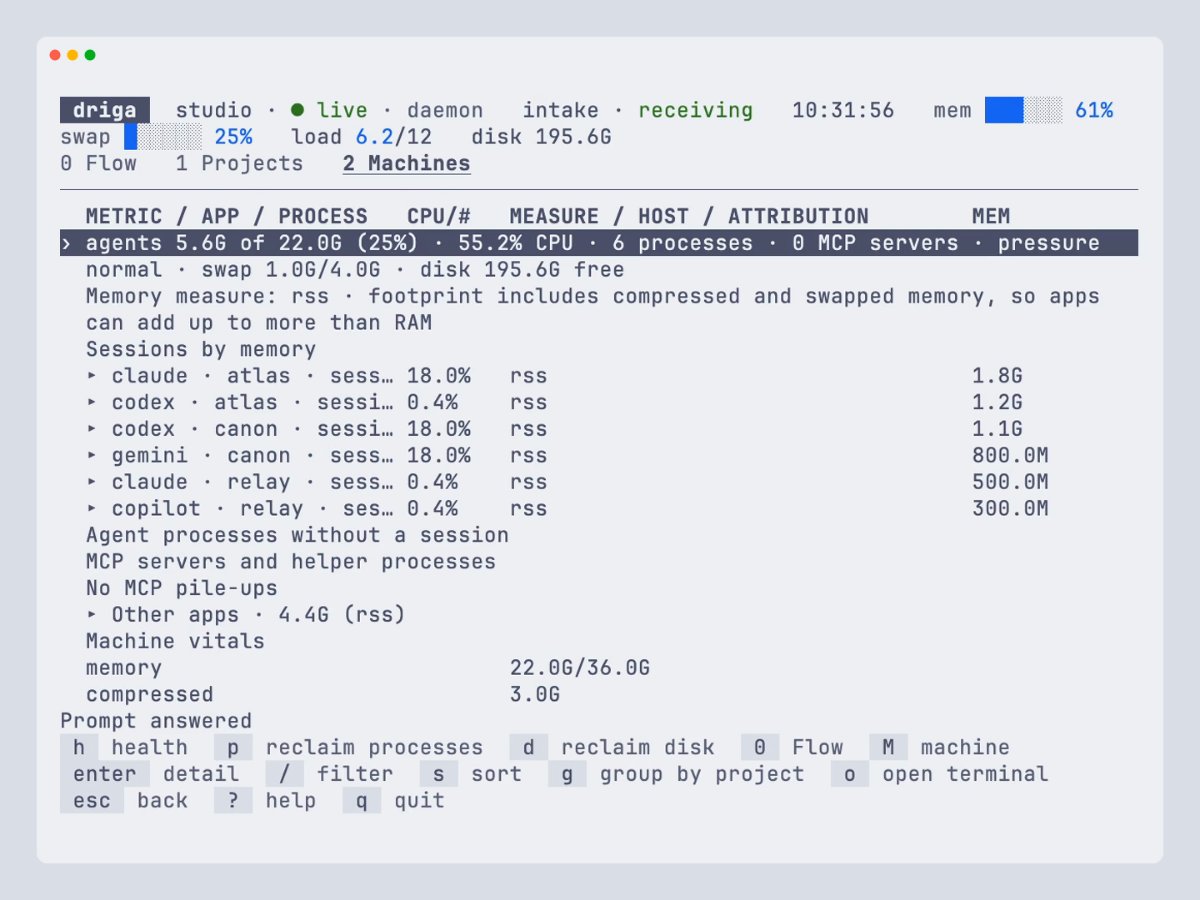
Memory and CPU by session, helpers left running after an agent ends, and old worktrees you can remove, each with its evidence and a confirm step.
Projects and machinesThe terminal UI's Machines tab: memory and CPU for each agent session, other apps, and machine vitals.
drigaKeyboard first. Flow, Projects and Machines, with Chat one key away. Flow
driga appThe same views in a native window. It collects in the background, lives in the menu bar and notifies you when an agent waits. First run
driga mcpRead-only MCP tools and versioned --json on every read command. MCP
No account and no API key. Driga reads session files, the process table and Git on your machine. Driga is alpha: formats and behaviour can still change.
claude CLI.brew install --cask labstack/tap/drigaThen open Driga, or run driga in a terminal. Linux packages and Windows (experimental) are on the install page.